
Matlab Simulink HMI with GOcontroll
Published on: September 8th, 2025 · Author: Rick Gijsberts
Introduction
Discover how the GOcontroll Moduline HMI1 turns Matlab Simulink models into a powerful HMI for real-time control, monitoring, and user interaction.
-Introduction-
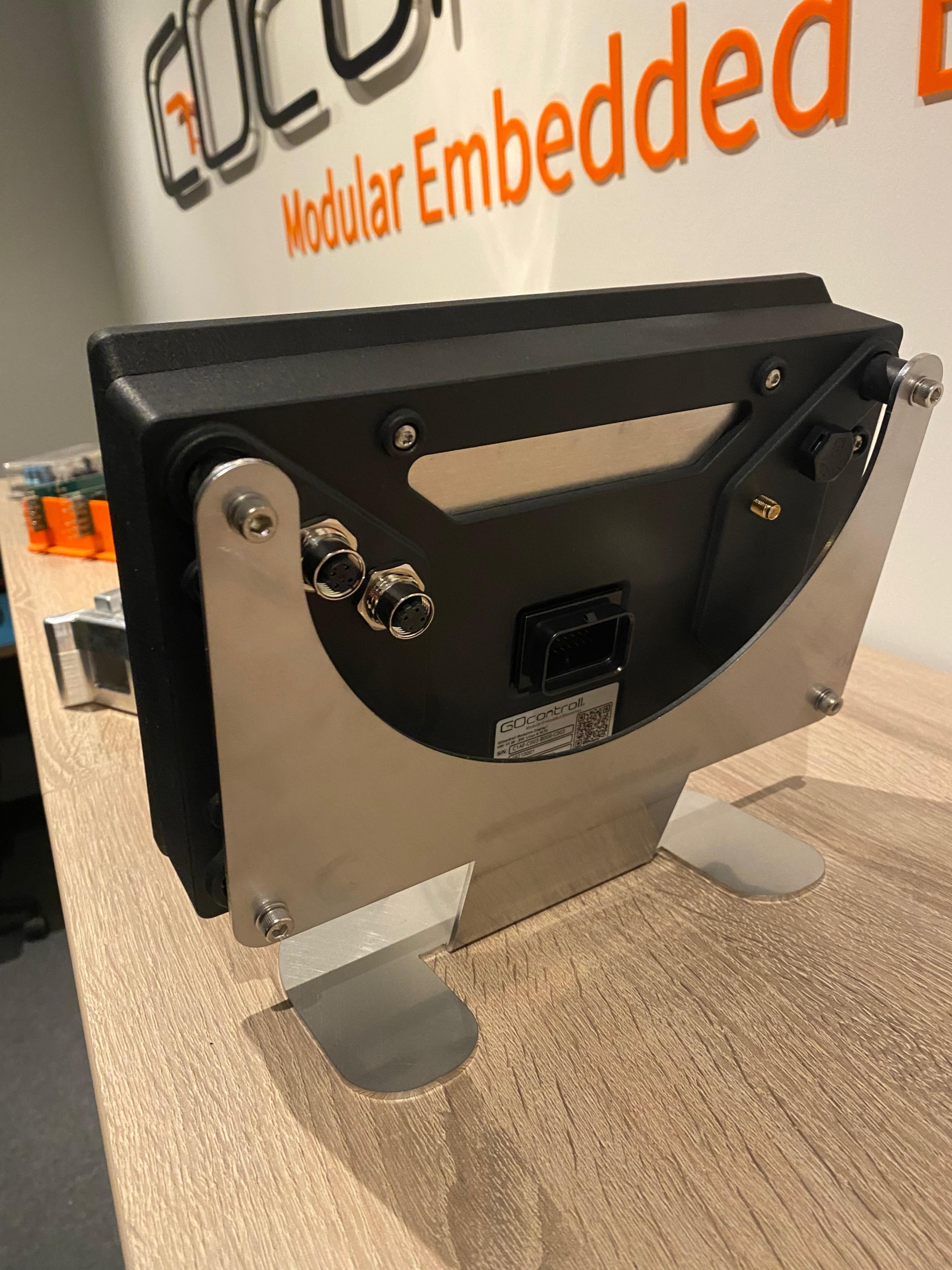
The demand for smarter Human Machine Interfaces (HMI) is rapidly growing across industries. The GOcontroll Moduline HMI1, a modular embedded controller with a 10.1-inch touchscreen, offers a unique blend of powerful processing, rugged design, and seamless integration with Matlab Simulink. With this combination, engineers can not only visualize signals and system states but also adjust parameters in real-time combined with the possibility to run real-time control algorithms on their display controller. This makes it ideal for applications such as industrial monitoring, automotive control, or equipment prototyping where flexibility and reliability are key.
Matlab Simulink in combination with HMI
At the heart of the Moduline HMI1 lies its integration with Matlab Simulink. Engineers can build complex control logic in Simulink’s graphical environment without writing a single line of traditional code. GOcontroll enhances this with its dedicated blockset, allowing direct access to input/output modules, communication buses, and the integrated touchscreen.
This means that users can:
- Drag-and-drop Simulink blocks to configure inputs, outputs, and CAN communication.
- Compile and deploy models directly onto the display via Ethernet or optional Wi-Fi.
- Monitor models in real-time using the XCP protocol combined with HANtune.
The result is an HMI that is not just a display, but an active part of the control loop—bridging human interaction with complex system logic.
Hardware Foundation: The Moduline HMI1
The Moduline HMI1 is designed for demanding field applications. It comes with a 10.1-inch capacitive touchscreen (optional 15.6-inch available) that supports multi-touch interaction.
Key specifications include:
- Processor: NXP i.MX 8M Plus, Quad ARM Cortex-A53, 1.6 GHz.
- Memory: 2 GB LPDDR4 RAM, 8 GB eMMC storage.
- Boot time: 3 to 3.5 seconds to run compiled Simulink models.
- Connectivity: 2x CAN 2.0B, Ethernet, RS232 (optional), and optional Wi-Fi/Bluetooth.
- Durability: IP67-rated housing with condensation protection, designed for automotive and industrial environments.
This robust design ensures reliable operation even under harsh vibrations, moisture, or dust.
Modular Expansion for Flexible HMI Design
What makes this display unique is its ability to host up to two Moduline I/O modules directly inside the housing. Depending on the use case, engineers can choose from:
- Input modules (6-channel, 10-channel, or 4-20mA) for signal acquisition.
- Output modules (6-channel, 10-channel, or power bridge) for actuator control.
- Specialized modules like IR communication for application-specific tasks.
This modularity enables setups such as:
- Monitoring systems: Combine dual 10-channel input modules for up to 20 inputs displayed in real-time.
- Control applications: Use output modules to drive actuators directly from the HMI.
- Hybrid applications: Mix input and output modules for interactive process management.
In short, the Moduline HMI1 can evolve with project requirements without replacing the entire system.
Communication and Connectivity Options
The Moduline HMI1 integrates easily into existing ecosystems thanks to its wide communication support:
- CAN bus: Two dedicated ports for automotive or industrial networks.
- Ethernet: Used for programming, monitoring, and real-time data exchange.
- Wi-Fi & Bluetooth: Optional modules for wireless programming and app integration.
- USB: Standard connectivity for service and configuration.
For system tuning, the XCP protocol allows engineers to connect Matlab Simulink models to HANtune, enabling real-time calibration and parameter updates. Additionally, Node-RED comes pre-installed, allowing engineers to build custom dashboards that run directly on the display.
Use Cases Across Industries
The Matlab Simulink capabilities make the Moduline HMI1 suitable for diverse fields:
- Automotive prototyping: Visualize sensor data and adjust vehicle parameters in real-time.
- Industrial monitoring: Display machine states, trigger alarms, and update control strategies.
- Agriculture: Monitor and control actuators in tractors or irrigation systems.
- Energy systems: Manage hydrogen storage, fuel cells, or renewable power distribution.
Each use case benefits from the combination of modular hardware, powerful software integration, and user-friendly interfaces.
Future-Ready Human Machine Interface
The GOcontroll Moduline HMI1 bridges the gap between control algorithms and human interaction. By combining Matlab Simulink programmability with modular expansion and robust hardware, it provides a flexible, field-ready solution for next-generation HMI applications.
Whether used as a standalone HMI controller with visualization or as part of a larger networked system, the Moduline HMI1 ensures that engineers can adapt quickly to evolving project needs. With its real-time capabilities and modular approach, it is not just a display, it is a complete embedded control platform.
Latest blog
-
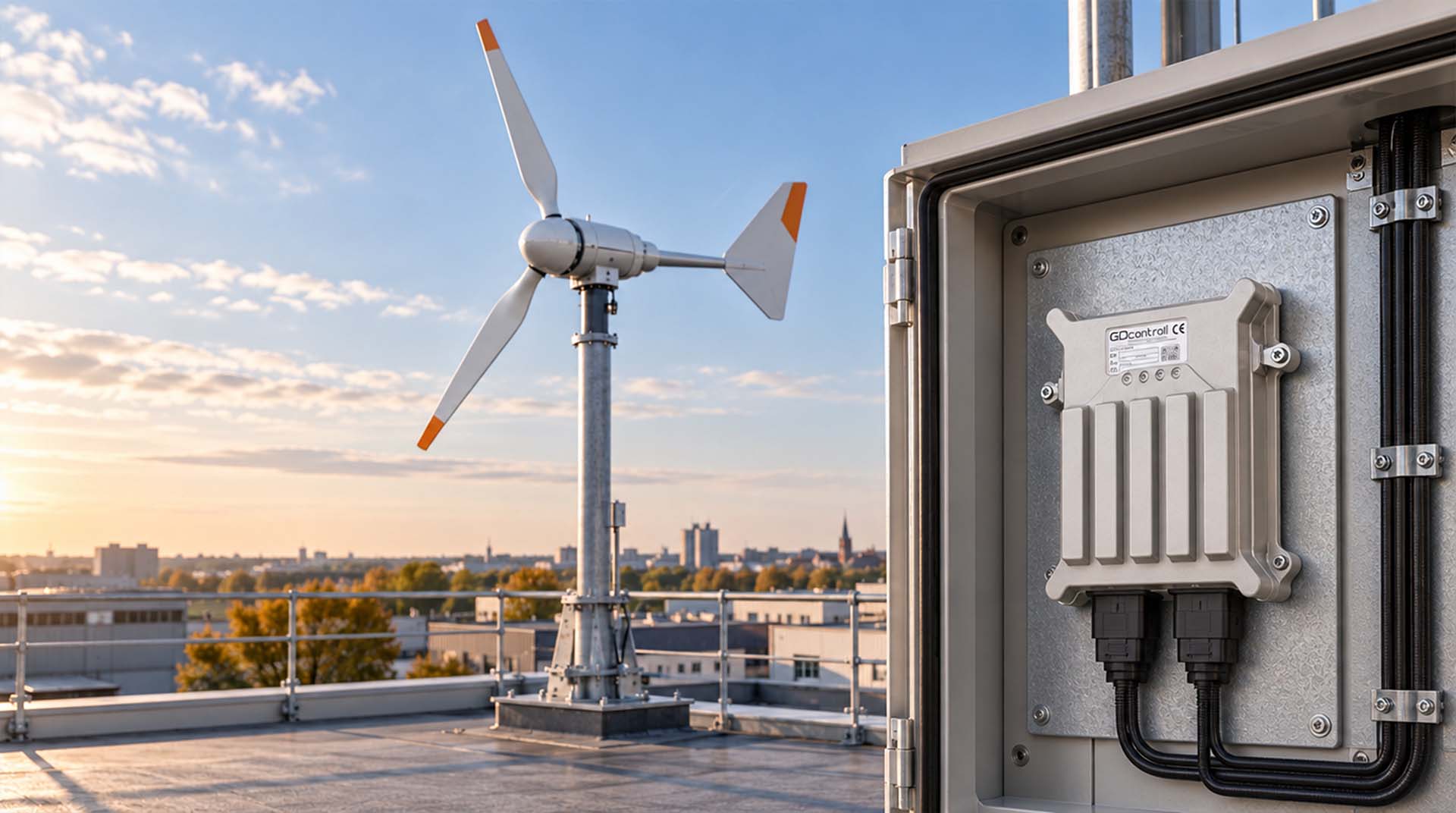
Rooftop Wind Turbine Control Node: Modular Control and Monitoring
The Moduline M1 controls rooftop wind turbines with smart load control, active yaw adjustment, vibration monitoring, and real-time remote dashboards.
-
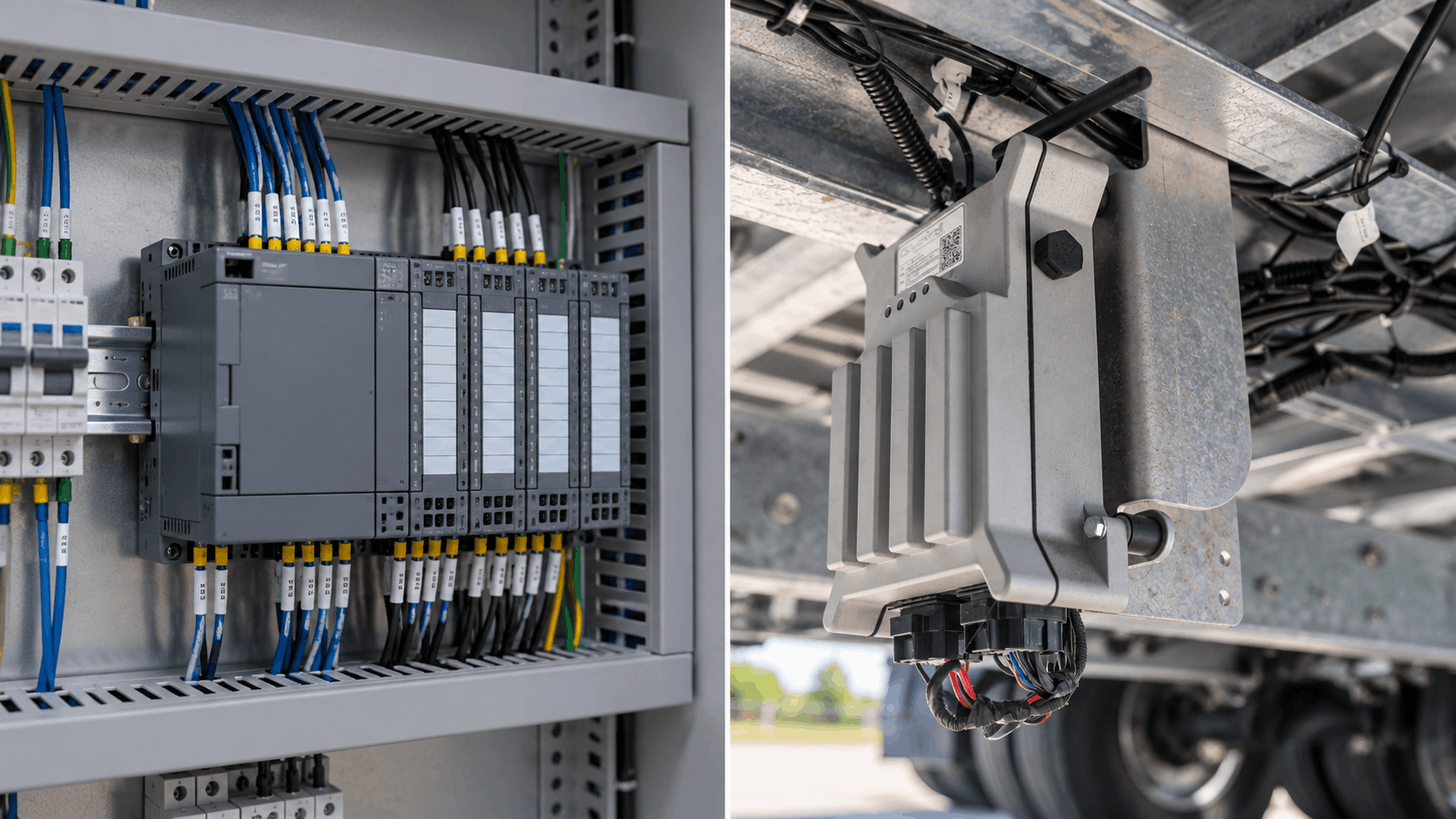
GOcontroll Moduline or a standard PLC: which controller fits your machine?
A standard PLC or GOcontroll Moduline? See how they differ in demanding environments, actuator control, flexibility and connectivity, with four applications in practice and…
-

Precise Linear Control Using Moduline
Moduline L4 linear actuator control delivers precise motion using half-bridge outputs, feedback inputs, and Simulink-based control loops.