Login
The Web UI is a web based service that can be used to configure your GOcontroll Moduline Controller but it can also be used to read fault codes and parameterize your control software. It runs as a systemd service named go-web-ui.
To login to the Web UI, a wired ethernet and/or Wi-Fi connection is mandatory. Independent the type of connection, it is important to know the IP address of the controller.
Note: Controllers delivered before August 2025 do not have the Web UI installed by default. Please contact [email protected] to discuss the possibilities for updating your controller.
Login to the Web UI
For this example we use the wired ethernet connection. We discovered that the IP address of the controller was: 192.168.1.16 Use your preferred web browser to access the Web UI.
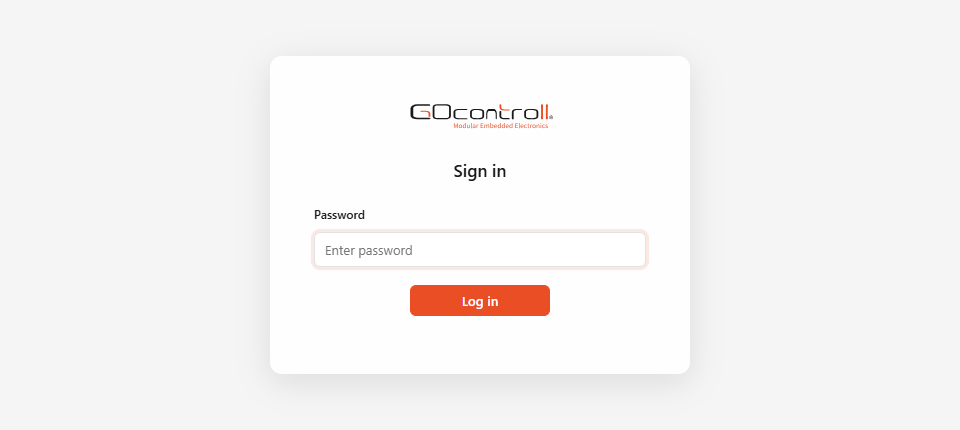
- Browse to your controllers IP address followed with the Web-UI port: 192.168.1.16:5000
- Password: Moduline
- Click: Log in
Once login is successful, you should see something like this:
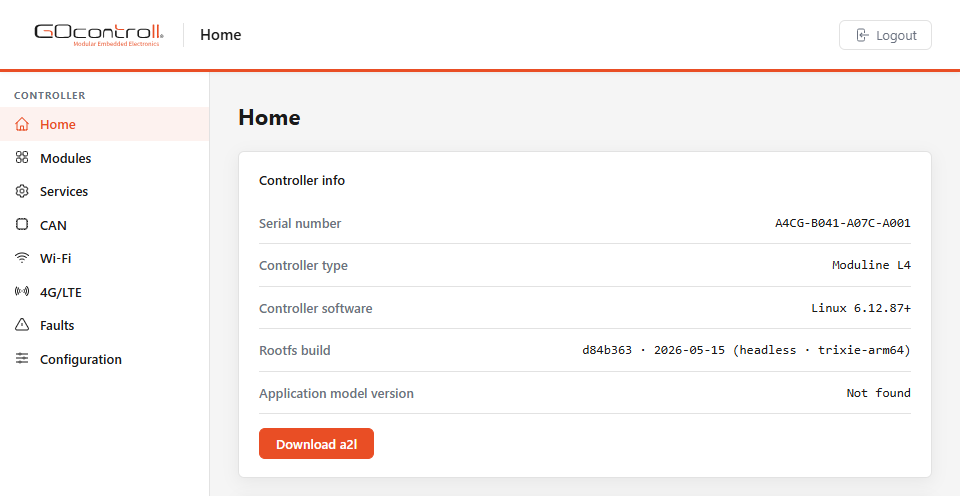
The menu on the left gives access to the other screens of the Web UI: the installed modules, the services running on the controller, the CAN interfaces, the Wi-Fi and 4G/LTE settings, the stored fault codes and the configuration parameters.
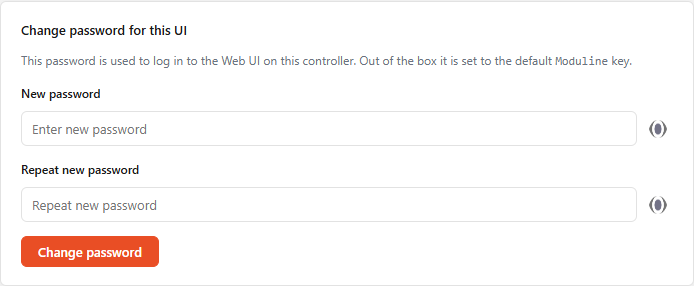
At the bottom of the Home screen you can change the default password to be something more secure than the default. Fill in the new password twice and confirm with Change password.